Digital Wayfinding for MRS480 Specialist Centre - Medical Centre

What we delivered
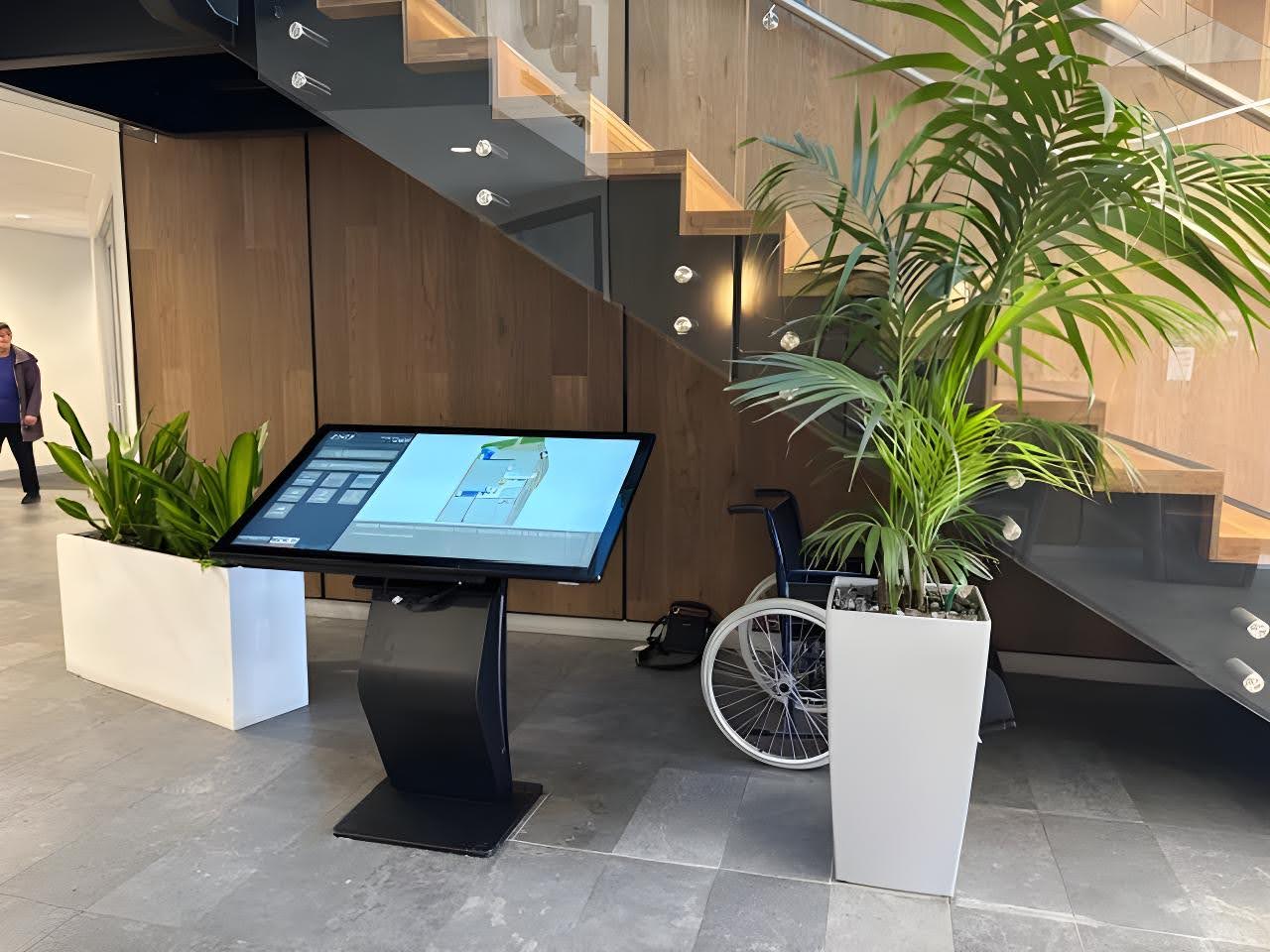
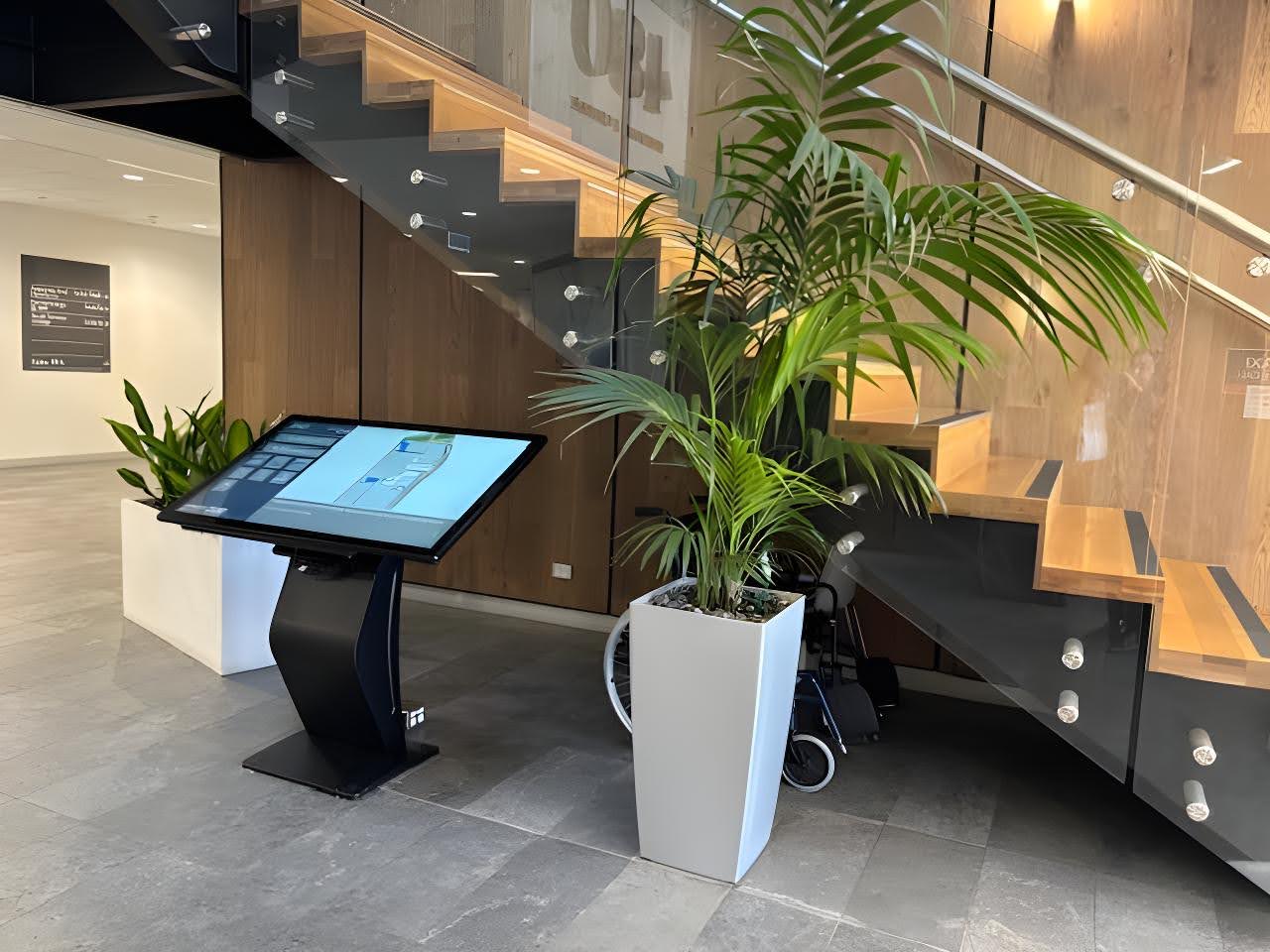
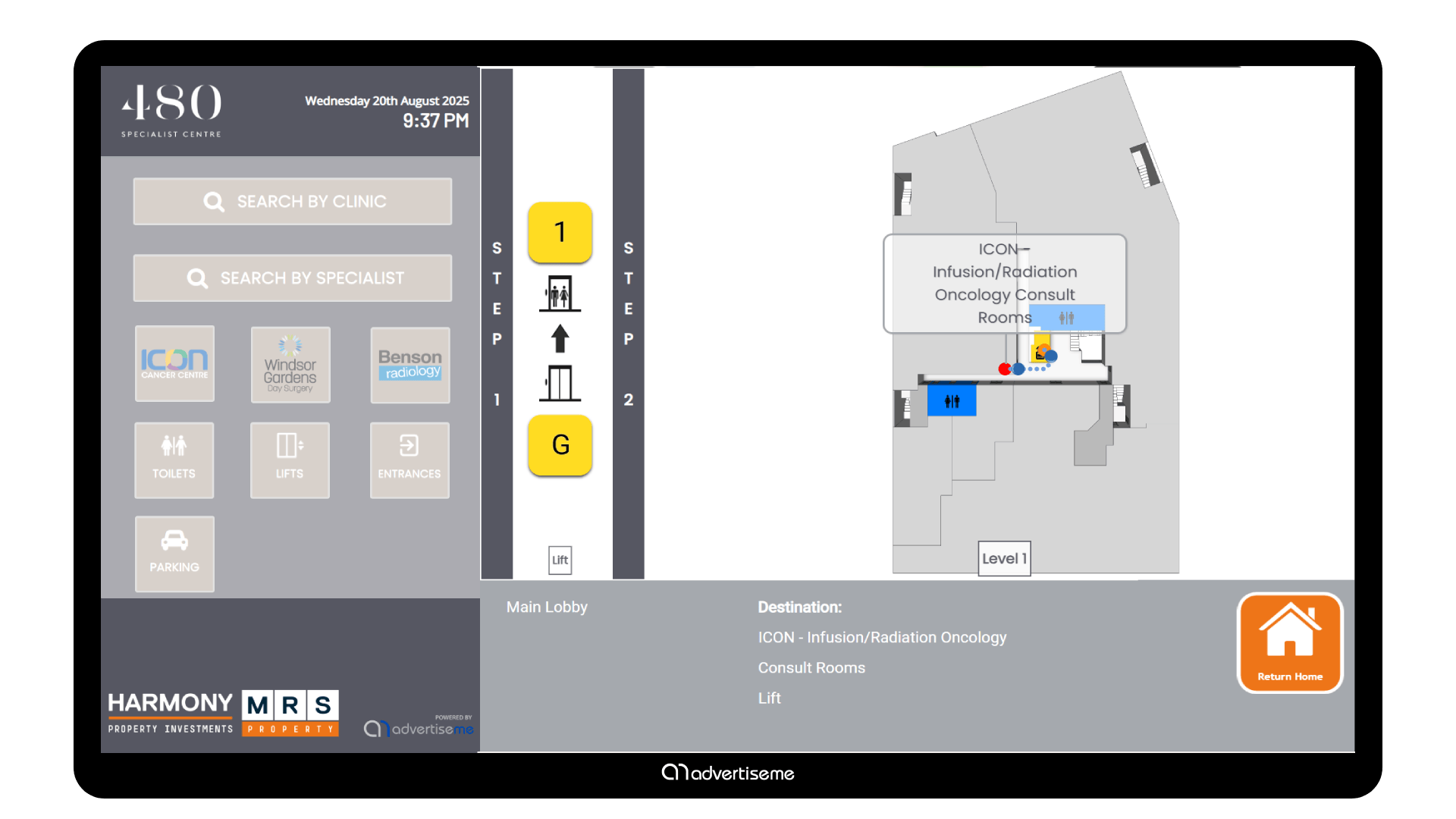
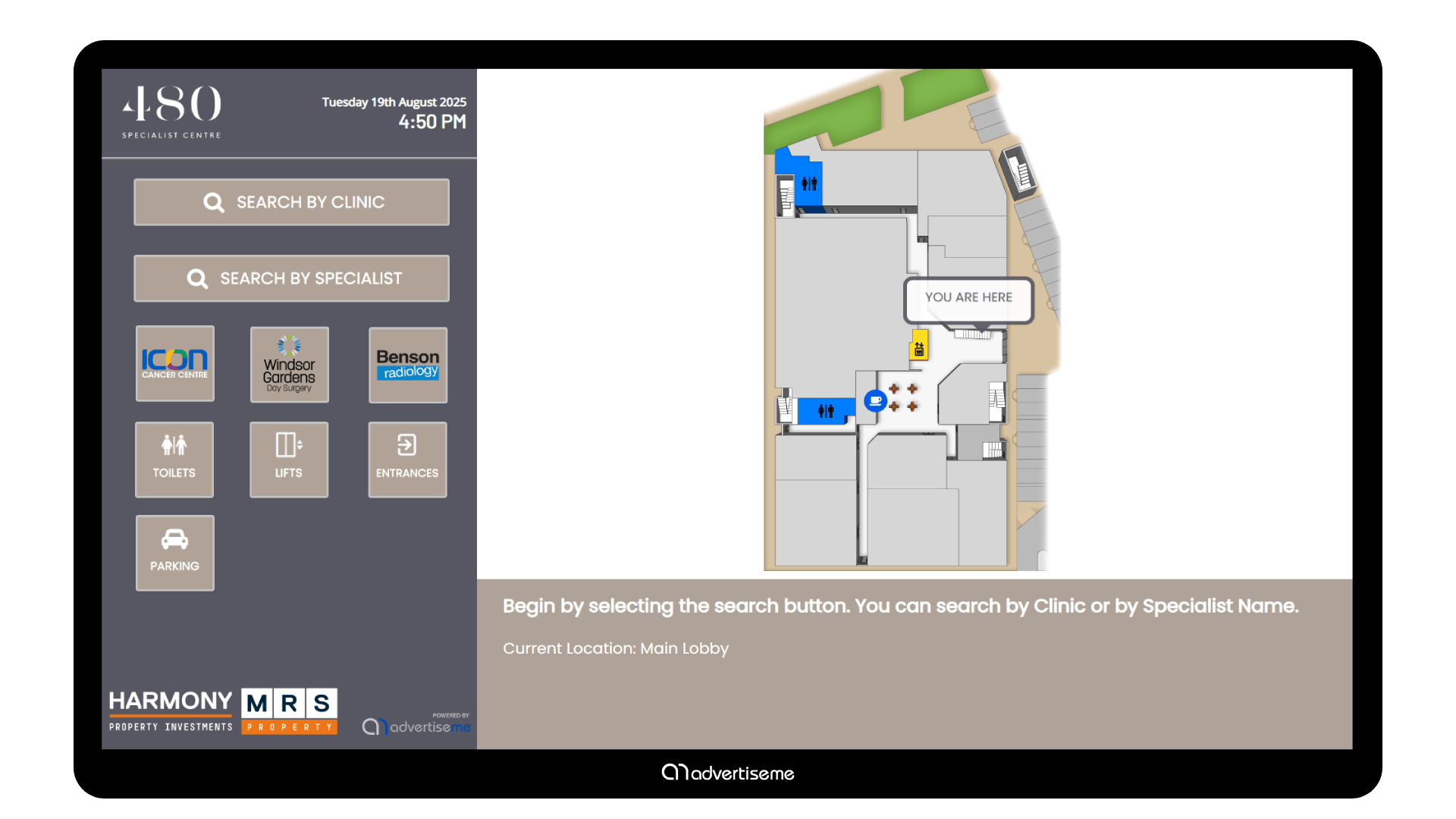
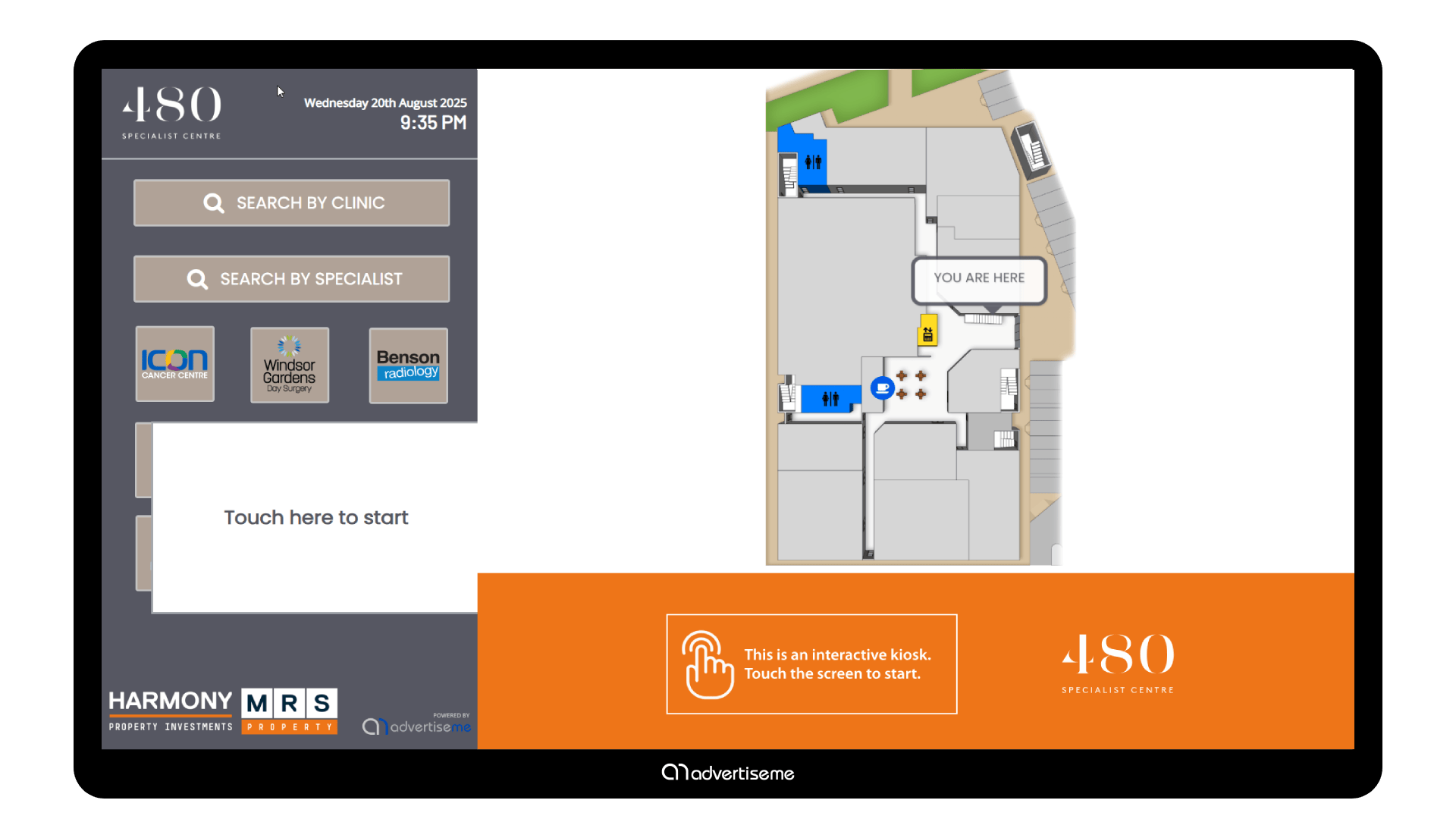
Advertise Me partnered with the state-of-the-art MRS480 Specialist Centre to deliver a modern and intuitive digital wayfinding kiosk solution that enhances visitor experience and simplifies navigation throughout the facility. Located at the main entrance, the landscape-oriented 55" digital kiosk blends seamlessly with the centre’s calming and contemporary environment.
The solution was designed to help people find destinations, services, and information more quickly in a busy physical environment.
Delivery checklist
- Delivered a digital wayfinding solution for MRS480 Specialist Centre - Medical Centre
- Configured a digital wayfinding experience for the location
- Structured destination information so it was easier to search and browse
- Configured the experience for patients, visitors, staff, and healthcare teams
- Supported clearer visitor movement through the site
- Supported a professional, easy to manage result for the client
Digital wayfinding is most valuable in buildings and precincts where visitors need confidence, speed, and clear directions.
The challenge
The challenge was to simplify navigation in an environment where visitors may not know the layout or where to find the right destination.
The experience needed to reduce confusion, support self service, and make destination information easy to understand at a glance.
The solution needed to suit the environment, be simple for people to understand, and give the client a practical way to manage information after the initial installation or launch.
Key requirements
- Clarity: Destinations and directions needed to be easy to understand quickly.
- Usability: The experience needed to support people who may be using the system for the first time.
- Flexibility: The setup needed to support current requirements while allowing room for future updates.
- Reliability: The solution needed to perform consistently in the live environment.
- Content control: Directory and map information needed to remain accurate as the site changed.
Our approach
We focused on clear destination structure, simple navigation paths, and a user experience that could support people moving through the space.
The interface and content structure were shaped around the existing project requirements so the final experience felt purposeful and easy to follow.
How the experience worked
- Project context was reviewed: We considered the site, audience, content needs, and the role the solution needed to play.
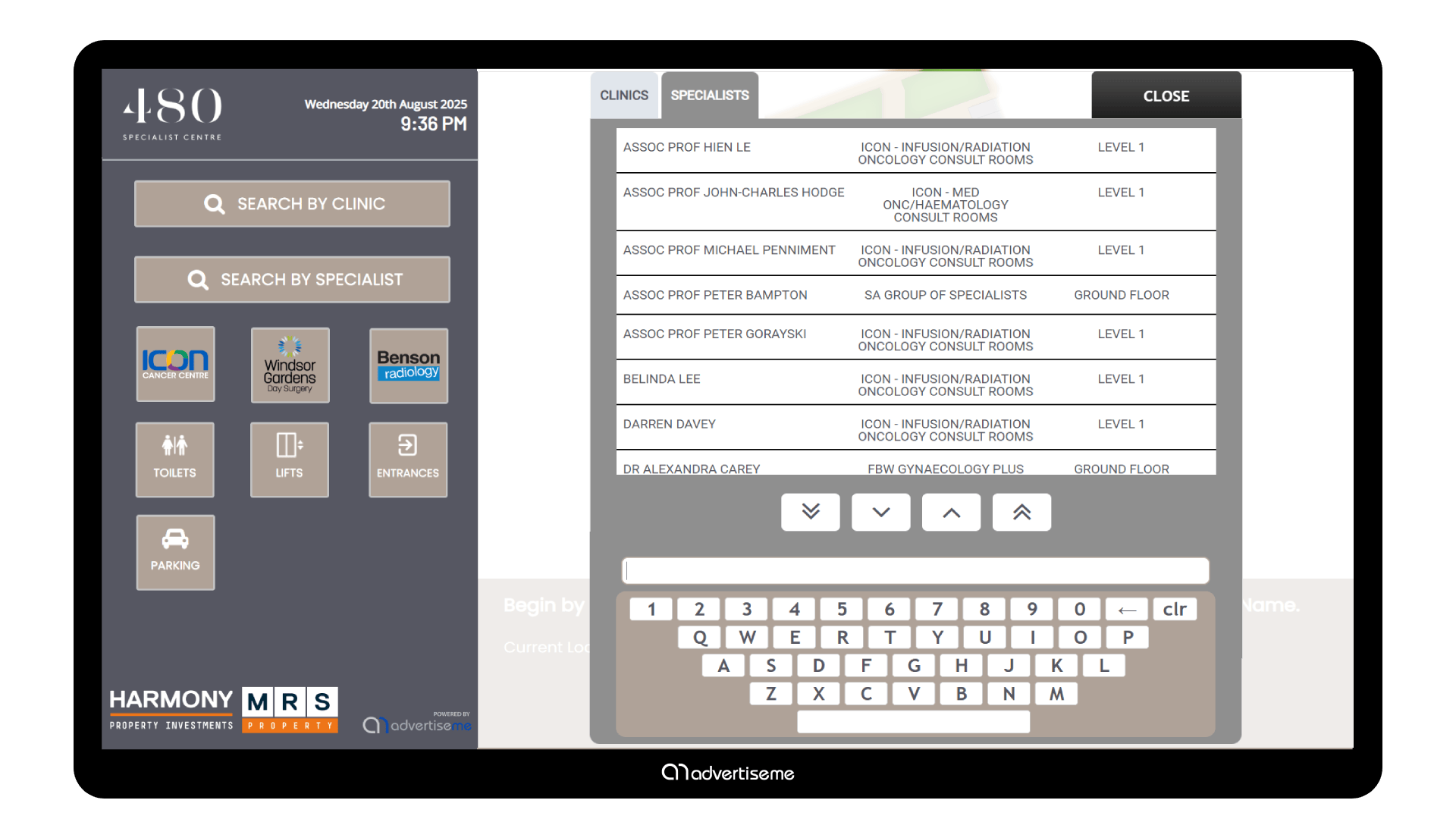
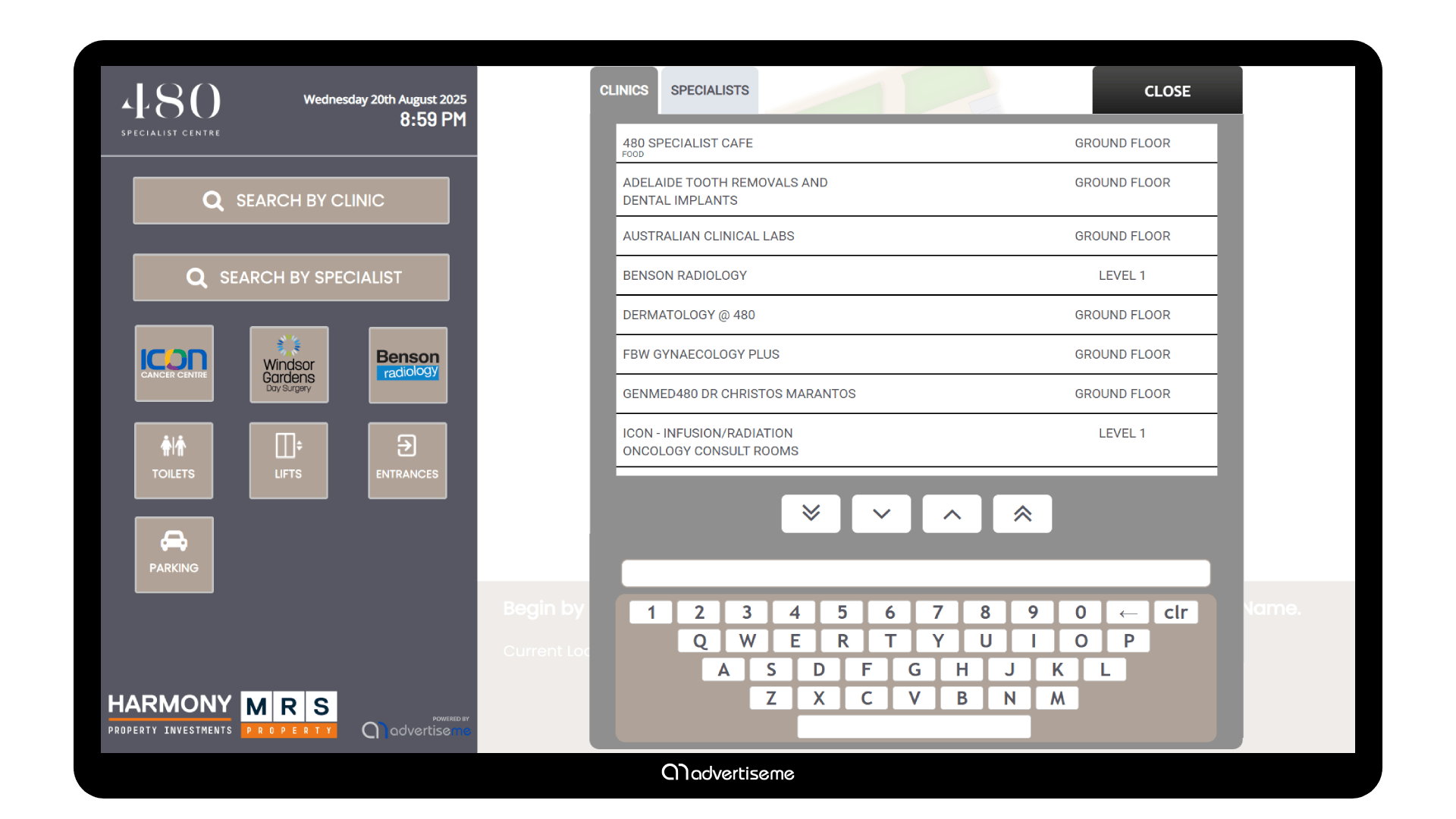
- The experience was configured: Directory content, map information, and destination paths were configured for the location.
- Users engaged with the solution: Visitors could search, browse, and identify where they needed to go.
- The client retained control: The client could update destination and directory information when required.
- The outcome was ready for everyday use: The final result supported clearer communication and a more professional experience.
From a user perspective, the experience needed to be clear, direct, and easy to trust.
| Project area | What it supported | Client value |
|---|---|---|
| Visitor navigation | Searching, browsing, and locating destinations | Helps visitors move through the site with more confidence |
| Directory information | Departments, services, tenants, rooms, or points of interest | Keeps location information structured and easier to maintain |
| Content management | Updates, changes, and ongoing content control | Helps the client keep information current without unnecessary friction |
Result and client value
The completed wayfinding solution gave visitors a more direct way to find the information they needed and helped the site present navigation in a more professional format.
It also created a more polished experience for the people interacting with the content.
What worked well
- Visitors had a clearer way to find destinations
- The digital directory improved self service navigation
- The content was presented in a clear and professional format
- The solution supported the needs of patients, visitors, staff, and healthcare teams
- The project created a practical digital experience for the client
The value of the project came from combining the right digital touchpoint with content that was easy to manage and understand.
Portfolio recap
This portfolio project shows how digital wayfinding can support visitor confidence and reduce friction in physical spaces.
- Service delivered: Digital Wayfinding
- Project focus: MRS480 Specialist Centre - Medical Centre
- Industry: Healthcare, Medical Centre
- Main benefit: Clearer navigation and reduced visitor confusion
- Client outcome: A practical digital wayfinding experience for the location
It is a practical example of using digital tools to make information easier to access and manage.
Frequently Asked Questions
- What solution was delivered for MRS480 Specialist Centre - Medical Centre? Advertise Me delivered a digital wayfinding solution designed around the needs of the project and the people using it.
- What problem did the project help solve? It helped visitors find destinations more easily and reduced the need for manual directions.
- How did the solution support users? It gave patients, visitors, staff, and healthcare teams a clearer way to access information, interact with content, or complete the intended task without relying on printed material or manual processes.
- What made the solution practical for the client? The solution organised destination information into a digital format that could be maintained as site details changed.
- What types of projects are suited to this approach? This approach suits hospitals, education campuses, government buildings, commercial precincts, markets, and public venues with multiple destinations.